Why You Could Only Milk a Cow By Clicking Its Head
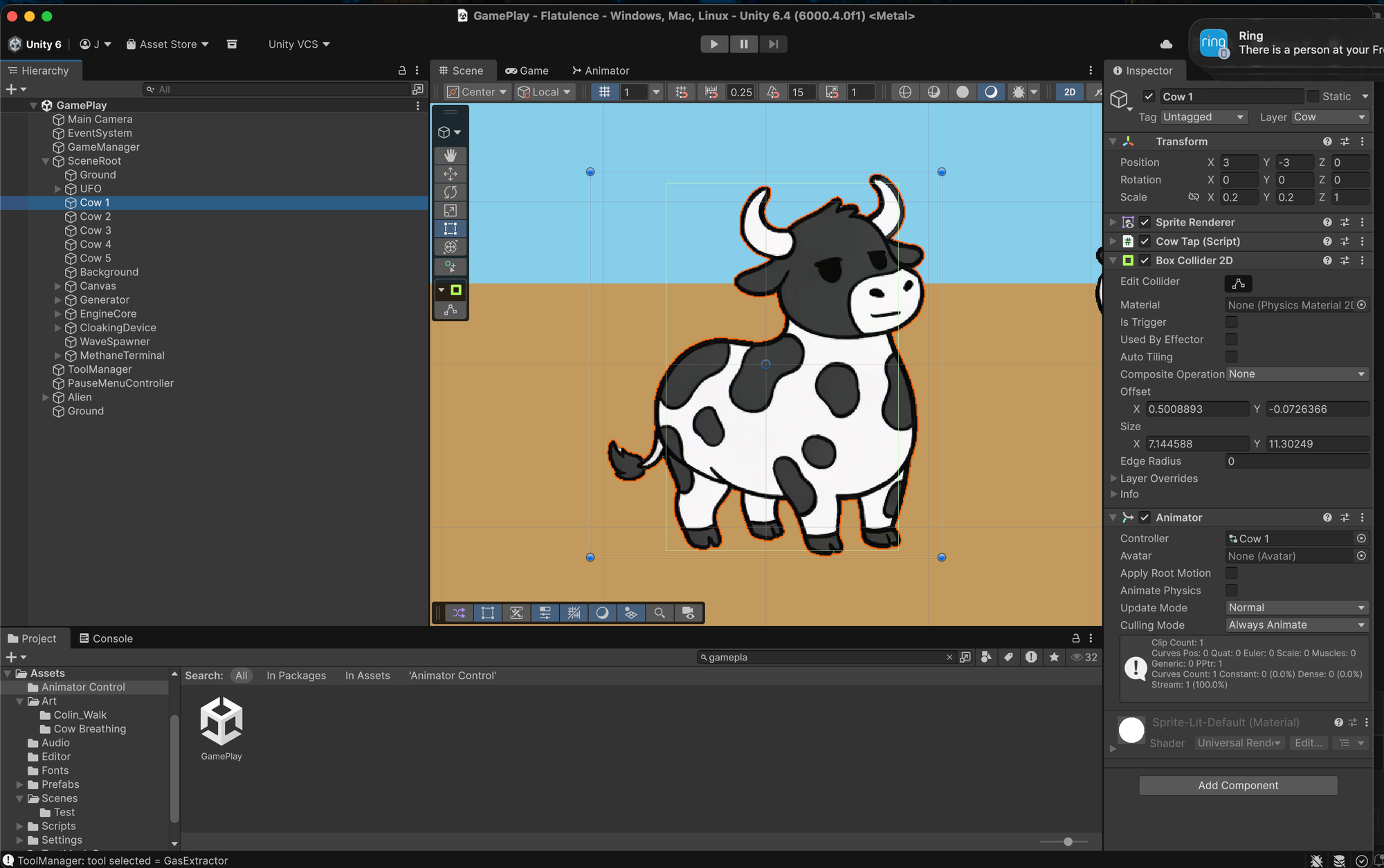
Today I added the rest of the cow herd to Flatulence. Simple job — duplicate Cow 1 four times, flip a couple of them so they’re facing different directions, done.
Except then I noticed you could only extract methane gas from a cow by clicking on its head.
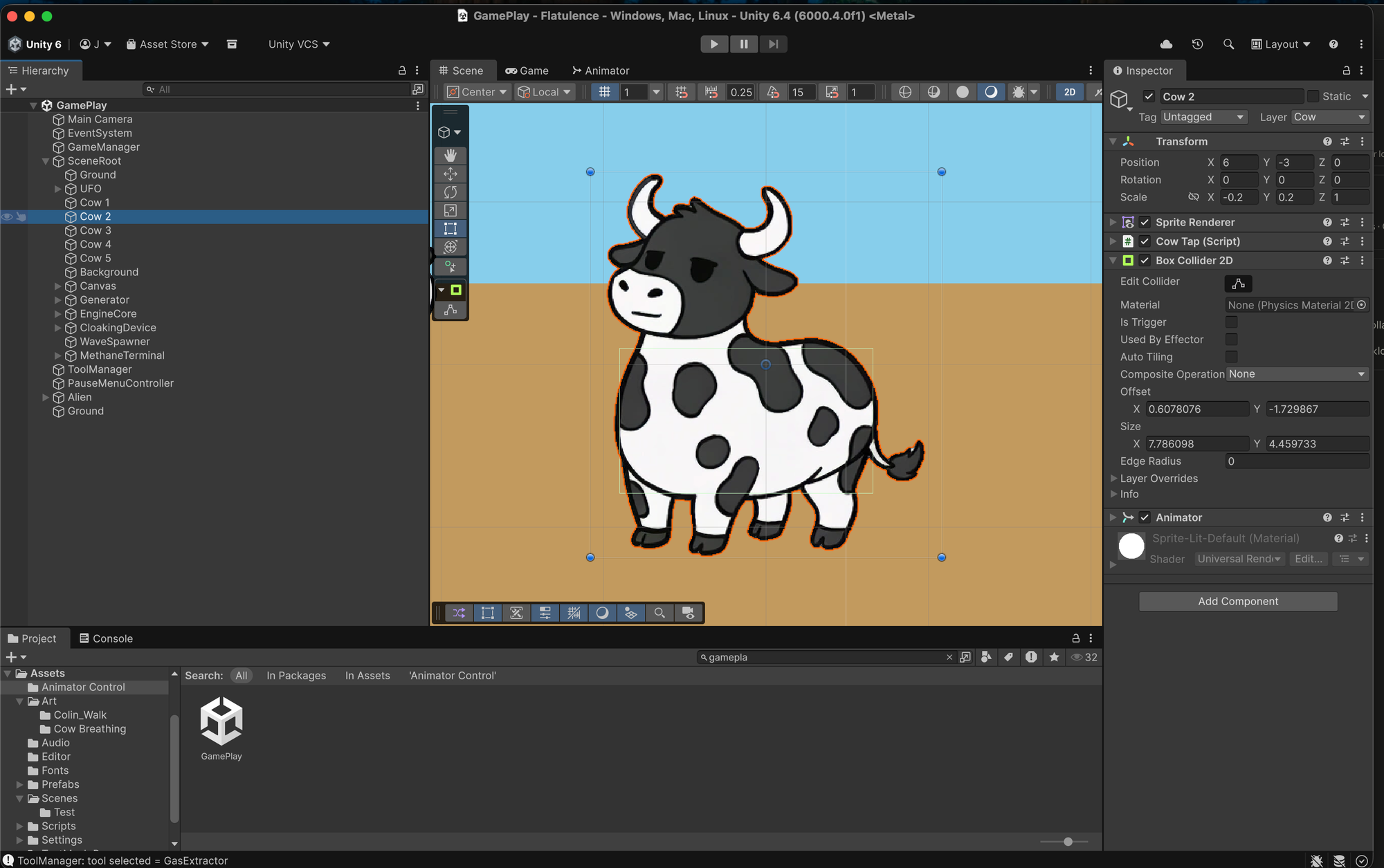
Click the body? Nothing. Click the legs? Nothing. Click somewhere in the vague vicinity of the horns? Gas clouds everywhere.
The investigation
I spent longer than I’d like to admit checking collider sizes, scale values, Z positions, camera settings, and Unity layer configurations. I tried child GameObjects, rescaling sprites, changing Pixels Per Unit from 32 to 160 — all of it.
The actual culprit was much simpler and much more embarrassing: the Ground had a Box Collider 2D that was 60 units wide and 1 unit tall, sitting across the entire bottom of the screen. Every click on a cow body was hitting the Ground collider first and getting swallowed. Only the tops of the cows — their heads — stuck up above it.
The fix
Unity’s OnMouseDown fires on whatever collider the raycast hits first. If the Ground is in the way, you’re clicking the ground, not the cow.
The proper fix was replacing OnMouseDown entirely with a custom WorldClickHandler script attached to the Main Camera. It uses Unity’s New Input System to detect clicks, then fires a Physics2D.Raycast that only hits objects on the Cow layer — completely ignoring the Ground. When it hits a cow, it calls HandleTap() on the CowTap component directly.
The cows are now fully clickable. You can click the belly, the legs, the tail — anywhere. The methane flows freely.
Other things that shipped
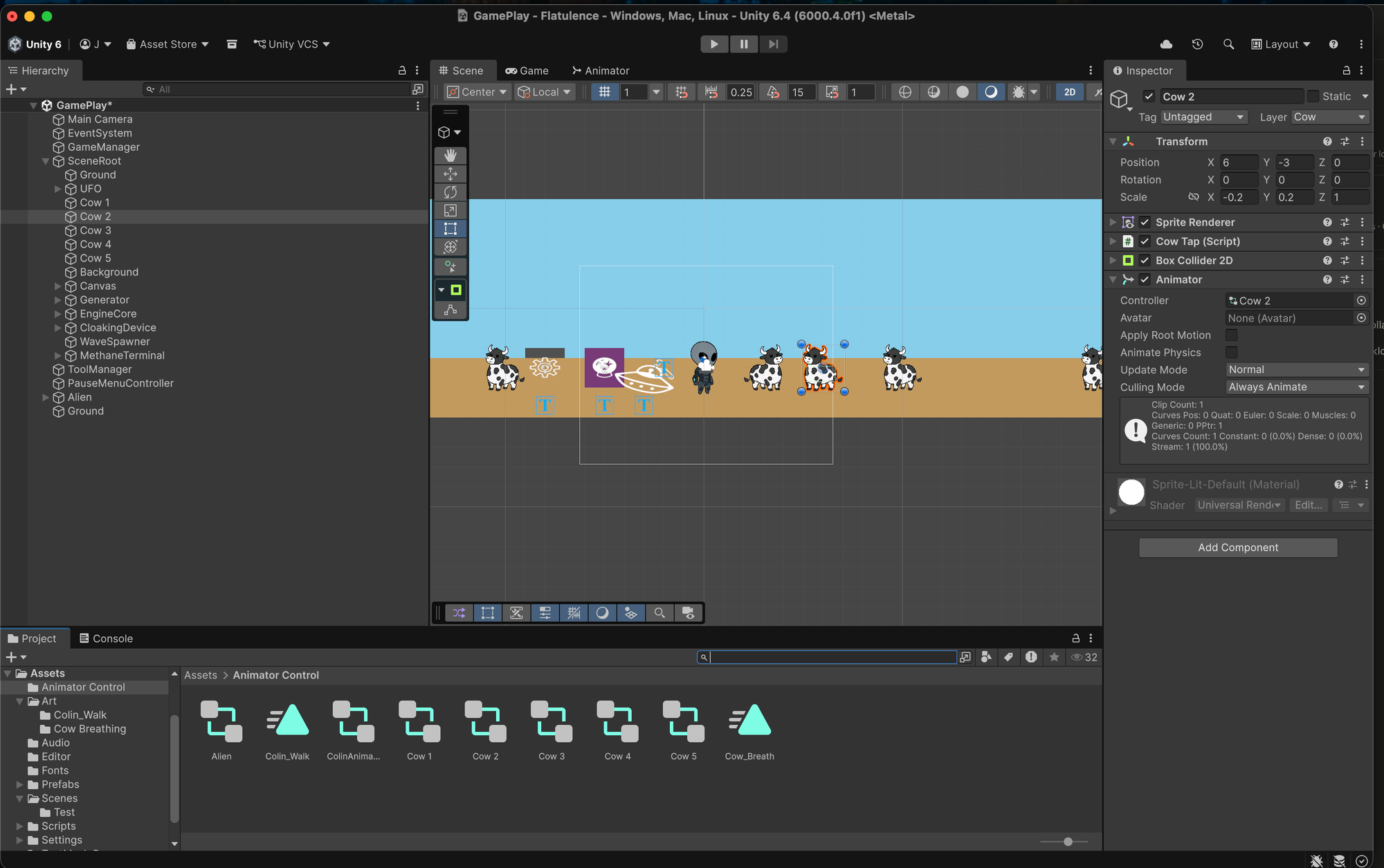
The herd now has five cows. Alternate cows are flipped horizontally using Scale X: -1, so it doesn’t look like someone hit Ctrl+V four times. Each cow has its own Animator Controller so the breathing animations can run at slightly different offsets rather than all pulsing in perfect unison like some kind of bovine cult ritual.
Next up: laser shot polish, and replacing the remaining emoji placeholders with actual Procreate artwork.
The game is slowly starting to look like a game.